
Pi7 - Compress Images Fast Without Losing Quality
USE OUR TOOL
Pi7 is a free online hub for image processing tools that helps people edit, convert, compress, and enhance photos in minutes, right in the browser, without installing heavy software. It is designed for everyday needs like making images smaller for faster websites, preparing clean profile pictures, fixing lighting, changing formats, and creating share-ready visuals for social media, listings, or school projects.
Because image work often happens in a rush, Pi7 focuses on simple flows that start with a single upload and end with a download you can use immediately. The goal is not to overwhelm you with complicated panels, but to give you practical tools that match how people actually search on Google and Bing, such as photo editor online, image resizer, compress JPEG, PNG to JPG, remove background, upscale image, and AI photo enhancer.
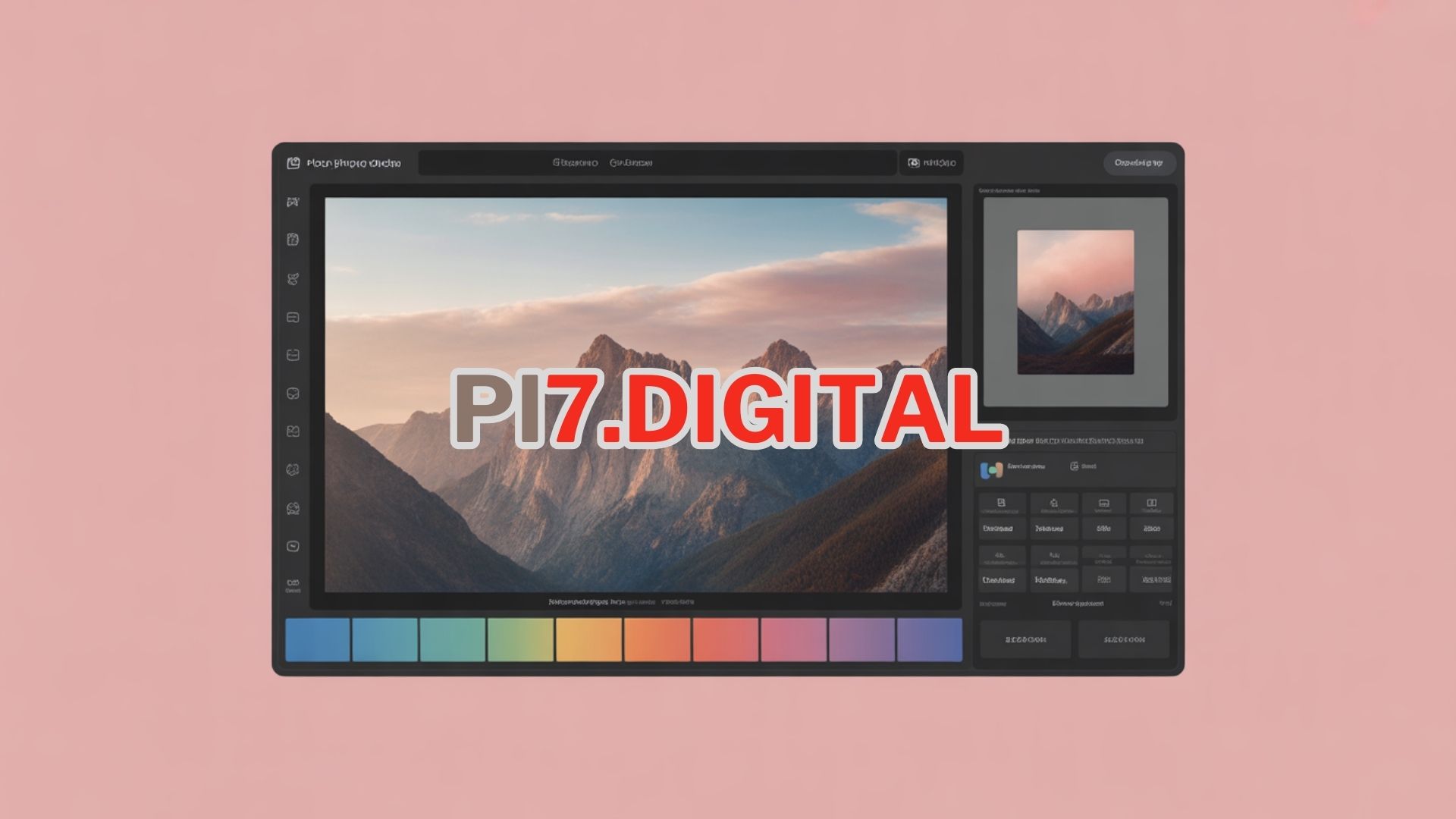
Pi7 free image tools that feel quick and predictable
Most people do not wake up wanting to learn a new editing interface. They just want the result to look right, load fast, and fit the platform they are posting to. Pi7 is framed as a toolkit that stays consistent across devices, so a simple resize on a laptop feels the same as a quick compression on a phone. That matters when you are preparing product images for an online store, sending a document scan to someone, or trying to upload a profile picture that keeps getting rejected by file size rules.
In real life, images come from everywhere. Screenshots, camera rolls, downloaded wallpapers, social posts, and high-resolution galleries can all become a workflow. Some users even start from big, crisp sources like 4KHD and then realize they need to reduce file size, convert formats, or remove metadata before sharing. Pi7 is positioned to handle those common moments in a calmer way, with tool choices that map to the most frequent tasks people type into search.
What people usually want when they say image processing
Image processing sounds technical, but the intent is usually simple. People want to fix something small, make a file compatible, or polish a picture so it looks clean on any screen. Pi7 targets those intent-driven edits, including quick corrections and format changes that do not require a full creative suite.
- Resize images for Instagram, TikTok thumbnails, YouTube banners, and marketplace listings.
- Compress photos to meet upload limits and speed up page load time.
- Convert between JPG, PNG, WEBP, GIF, BMP, and newer formats like HEIC.
- Crop to exact dimensions for avatars, ID photos, and banners.
- Remove backgrounds for product shots, stickers, and profile portraits.
- Enhance quality with sharpening, denoise, and clarity adjustments.
- Upscale images for print-like sharpness and better presentation.
- Blur faces or sensitive areas for privacy-friendly sharing.
Fast editing without turning your browser into a battlefield
A practical tool site should reduce friction, not create it. Pi7 is described as a place where you can do one task at a time with obvious controls, clear previews, and undo-friendly steps. The most useful tools tend to share a pattern. You upload an image, choose a setting, preview the result, and download. That pattern makes the experience easier than bouncing between random pages that all look different.
For many users, the top priority is trust. They want to know what the tool is doing, what quality tradeoff is being made, and whether the output will still look good when posted. Pi7 can be framed as a transparent workflow where output quality is not a mystery, and where settings like compression level, target width, and output format are explained in plain language.
Pi7 online photo editing for everyday fixes
When people search photo editor online, they often mean quick corrections, not a full design studio. Pi7 fits that reality by highlighting essential edits that improve real photos: brightness, contrast, exposure, saturation, warmth, shadows, highlights, and sharpness. These are the knobs people reach for when a picture looks dull or washed out.
Good editing is not just pushing sliders. It is choosing a goal. For example, a product photo benefits from clean whites and true colors, while a portrait often needs softer highlights and a little warmth. Pi7 is positioned as a toolset that helps users reach these goals without requiring expert knowledge.
Lighting and color controls that match common search intent
Search queries like fix dark photo, brighten image, increase resolution, and enhance photo quality often show that the user has a problem, not a creative ambition. Pi7 can guide them toward small changes that look natural, such as lifting shadows without blowing out highlights. In a browser-first workflow, the best result is usually the one that looks realistic and consistent across screens.
- Brightness and exposure to fix underlit photos.
- Contrast to add separation between subject and background.
- Highlights and shadows to recover detail in bright skies and dark clothing.
- White balance to remove strange color casts from indoor lighting.
- Sharpness and clarity to improve perceived detail after compression.
Simple retouching that respects realism
Retouching can be subtle and still helpful. Pi7 can be described as offering small cleanup tools for everyday use, like smoothing minor noise, reducing grain from low-light shots, and lightly sharpening edges so text and logos remain readable. The idea is not to create an artificial look, but to make the photo presentable for sharing, printing, or listing.
For people who upload images to marketplaces, a clean look is not optional. It affects clicks, trust, and conversion. That is why edits like crop, straighten, and background cleanup remain among the most searched tasks on Bing and Google.
Pi7 image resizer and crop tools for exact dimensions
Resizing is one of the most common reasons people look for free tools. They might need a 1080 by 1080 square for a post, a 1200 by 628 image for a link preview, or a smaller header for a website. Pi7 can be framed as providing both quick presets and custom sizing so you can match the platform requirements without guessing.
Cropping is a close cousin of resizing. Often the image is large enough, but the composition is wrong. A good crop tool makes it easy to focus on the subject and remove distractions, while keeping the final aspect ratio correct for the destination platform.
When to resize and when to crop
People sometimes confuse resizing with cropping. Resizing changes the overall pixel dimensions while keeping everything in frame. Cropping changes what is included in the frame. Pi7 can educate users gently through the workflow, so they pick the right method and do not end up with a stretched face or a chopped product edge.
- Resize when you need a smaller file or a specific width for a website.
- Crop when you want better composition or a fixed aspect ratio.
- Use both when you need a tight frame and a platform-friendly output size.
- Straighten when the horizon is tilted and the photo feels off.
Batch resizing for real-world productivity
One-off edits are easy, but real work often involves batches. For example, an ecommerce seller may need 30 images to be the same width. A blogger may want all images under a certain file size to improve performance and Core Web Vitals. Pi7 can be positioned as supporting batch operations that reduce repetitive steps. That kind of feature is popular because it saves time and helps keep a consistent visual style.
Pi7 image compressor for faster uploads and websites
Compression is where many people feel stuck. They want a smaller file, but they do not want the image to look ruined. Pi7 can present compression as a set of choices, with clear tradeoffs between size and quality. When users search compress image, reduce file size, and compress JPEG online, they usually have an upload limit to satisfy or a website speed goal to reach.
Smart compression tries to keep the important parts sharp. Faces, text, and edges should remain readable, while flat areas and subtle gradients can be compressed more aggressively. Pi7 can be framed as offering adjustable compression levels and format-aware options, since PNG and JPEG behave differently.
JPEG, PNG, and WEBP compression explained in plain language
Different formats shine in different cases. Pi7 can help users choose the right output rather than defaulting to whatever their phone created. The most practical advice is simple: JPEG is great for photos, PNG is better for transparency and crisp graphics, and WEBP often offers modern compression with good quality for web use.
- Compress JPEG for camera photos, travel pictures, portraits, and event shots.
- Compress PNG for logos, icons, and images that need transparency.
- Convert to WEBP when you want smaller files for web pages without obvious quality loss.
- Use a quality preview so you can spot blur or artifacts before downloading.
Compression for email, messaging, and form uploads
Sometimes the goal is not a website, it is a stubborn upload field. Job applications, school portals, visa forms, and support tickets often reject large images. Pi7 can be positioned as a quick path to create a compliant file size while keeping text legible. That includes scanned documents, receipts, and screenshots where clarity matters more than color depth.
Pi7 image converter for modern formats
Format conversion is another high-volume need. People regularly search PNG to JPG, JPG to PNG, WEBP to PNG, HEIC to JPG, and even PDF to JPG. A modern tool site should treat conversion as a first-class feature because compatibility issues happen every day, especially across Windows, iOS, Android, and different apps.
Pi7 can be framed as a converter that makes it easy to pick the output format and preserves the visual look as closely as possible. It can also encourage best practices like choosing PNG when transparency is needed, and choosing JPEG when the image is a photo and file size matters.
Common conversion workflows that match search behavior
- HEIC to JPG for iPhone photos that need to open everywhere.
- WEBP to PNG for editing assets or keeping transparency.
- PNG to JPG to reduce size when transparency is not needed.
- JPG to PNG when you need transparent backgrounds after removal.
- GIF creation for simple animations and meme-style reactions.
Conversion is also about preserving quality. Pi7 can highlight options like output quality, color profile handling, and avoiding repeated recompression. Small details like these matter when the same image goes through multiple steps before it becomes final.
Pi7 background remover for clean product images
Background removal became a mainstream need because product listings, profile images, and thumbnails all benefit from a clear subject. People search remove background, transparent background, and background remover online because they want a quick result without manual cutting. Pi7 can be framed as offering a simple background removal workflow with touch-up tools to fix edges around hair, shoes, and small objects.
A background remover is not just for ecommerce. Teachers use it for slides, students use it for projects, and creators use it to make sticker-like cutouts. The value is speed and consistency, especially when you need a transparent PNG that drops into a design cleanly.
Use cases that show why background removal is popular
- Marketplace listings with a clean, distraction-free product focus.
- Profile pictures with a neutral look across platforms.
- Thumbnails that highlight the subject for higher click-through.
- Sticker-style cutouts for chats and social posts.
- Simple posters and flyers where the subject needs separation.
Pi7 AI enhancer and upscaler for sharper results
People often search AI photo enhancer and upscale image online because they want the photo to look better than the original. Sometimes the source is old, blurry, or compressed too many times. Pi7 can position enhancement as a controlled improvement, offering options like denoise, deblur, sharpen, and upscale to a higher resolution.
Upscaling is especially useful for presentations and printing. A small image that looks fine on a phone can look rough on a large screen. Pi7 can frame upscaling as a way to improve perceived detail while keeping the output natural. The best results typically come from moderate upscales paired with light sharpening rather than extreme changes that create artificial textures.
How to get good enhancement results without overdoing it
Enhancement works best when you set a goal. If the goal is readable text, focus on clarity and contrast. If the goal is a portrait, reduce noise and keep skin textures realistic. Pi7 can guide users toward subtle defaults that avoid the common problem of over-sharpened edges.
- Use denoise first on low-light images to reduce grain.
- Apply light sharpening after resizing or compression.
- Upscale moderately for larger screens and slides.
- Preview at 100 percent zoom to check artifacts.
Pi7 privacy-friendly tools for safer sharing
Image processing is not only about looks. It is also about what the file contains. Many photos carry metadata like device model, timestamp, and sometimes location information. People search remove EXIF data and remove metadata because they want to share safely. Pi7 can be framed as offering privacy-focused tools such as metadata removal, face blur, and quick redaction for sensitive areas.
This matters for creators, journalists, students, and everyday users. A screenshot can include private notifications. A document photo can reveal an address. A simple blur tool can prevent accidental oversharing. Pi7 can place these tools in the same toolbox as editing and conversion, because safety is part of modern image handling.
Practical privacy checklist before you post
- Remove metadata when sharing photos publicly.
- Blur faces and personal info in screenshots and documents.
- Check corners of images for notifications and account names.
- Use compression carefully so text remains readable when needed.
- Save a clean copy and keep the original private.
Pi7 tools for creators, sellers, students, and teams
A good free tool site should serve many types of users. Pi7 can be framed as a flexible hub where one person uses it to create a clean avatar, another uses it to optimize 40 product shots, and someone else uses it to prepare images for a report. The core tasks remain the same, but the intent changes.
Creators and social media workflows
Creators often need speed and repeatability. They resize thumbnails, compress images for quick uploads, and adjust color so a feed stays consistent. Pi7 can be framed as supporting these workflows with presets and simple export choices, so the creator spends less time wrestling file formats and more time publishing.
Sellers and ecommerce workflows
Sellers care about clarity, consistency, and trust. A product should look clean, properly cropped, and not too heavy for a listing page. Pi7 can highlight background removal, batch resizing, and smart compression as the trio that solves most ecommerce image headaches.
Students and document workflows
Students often take photos of notes, whiteboards, and forms. They need to increase readability, reduce file size, and sometimes convert images into shareable formats. Pi7 can frame these as practical tasks, emphasizing legibility and quick export so school portals and email attachments behave.
Teams and lightweight collaboration
Even without deep collaboration features, a consistent tool hub helps teams share a common workflow. One person can standardize image sizes for a website refresh, another can optimize graphics for a newsletter, and everyone produces output files that match the same rules. Pi7 can be positioned as a simple layer that makes output predictable.
Pi7 quality tips that make images look professional
Free tools are most powerful when the user knows a few simple rules. Pi7 can include guidance that helps users avoid common mistakes like saving a logo as a low-quality JPEG, compressing the same file repeatedly, or resizing without keeping aspect ratio.
A simple rule that saves quality is to do format conversion and resizing first, then do final compression once at the end.
- Keep aspect ratio locked when resizing to avoid stretching.
- Choose PNG for logos, icons, and anything with sharp edges or transparency.
- Choose JPEG for photos when you need small file size.
- Use WEBP for web performance when compatibility is acceptable.
- Avoid repeated saving in lossy formats to reduce artifact buildup.
Frequently asked questions
Is Pi7 an editor or a converter
Pi7 is positioned as both, because most real workflows mix editing with conversion. You might crop and brighten a photo, then convert it to a smaller format for upload.
Can Pi7 help me reduce file size without losing too much quality
Yes, the idea is to offer compression controls and previews so you can choose a balance that still looks clean, especially for faces, text, and product edges.
What formats are most common for online use
JPEG is common for photos, PNG is common for graphics and transparency, and WEBP is popular for modern web performance. Conversion tools help you move between them when needed.
Why do some sites reject my image upload
Most rejections happen because of file size limits, unsupported formats like HEIC, or dimension rules. A resizer, compressor, and converter usually solve the issue quickly.
Is background removal only for ecommerce
No, it is widely used for avatars, school projects, presentations, and thumbnails. Transparent cutouts are useful in many everyday contexts.
How do I keep images private when sharing
Use metadata removal when posting publicly, blur sensitive details in screenshots, and double-check the image edges for accidental personal info.
What is the best way to improve a blurry image
Start with denoise if the image is grainy, then apply gentle sharpening. Upscaling can improve presentation, but subtle settings usually look more natural than extreme changes.
Conclusion
Pi7 can be described as a free image processing toolbox built for the way people actually work with photos online. It focuses on the tasks users search most often, including photo editor online, image resizer, compress image, background remover, format converter, and AI-style enhancement. By keeping workflows simple, offering practical export choices, and encouraging safer sharing habits, Pi7 aims to turn everyday image problems into quick wins that anyone can complete in a few minutes.
USE OUR TOOL